Blog / Web development
Accessibility is not a final QA step
3 min readMihnea Cojocaru
- Web development
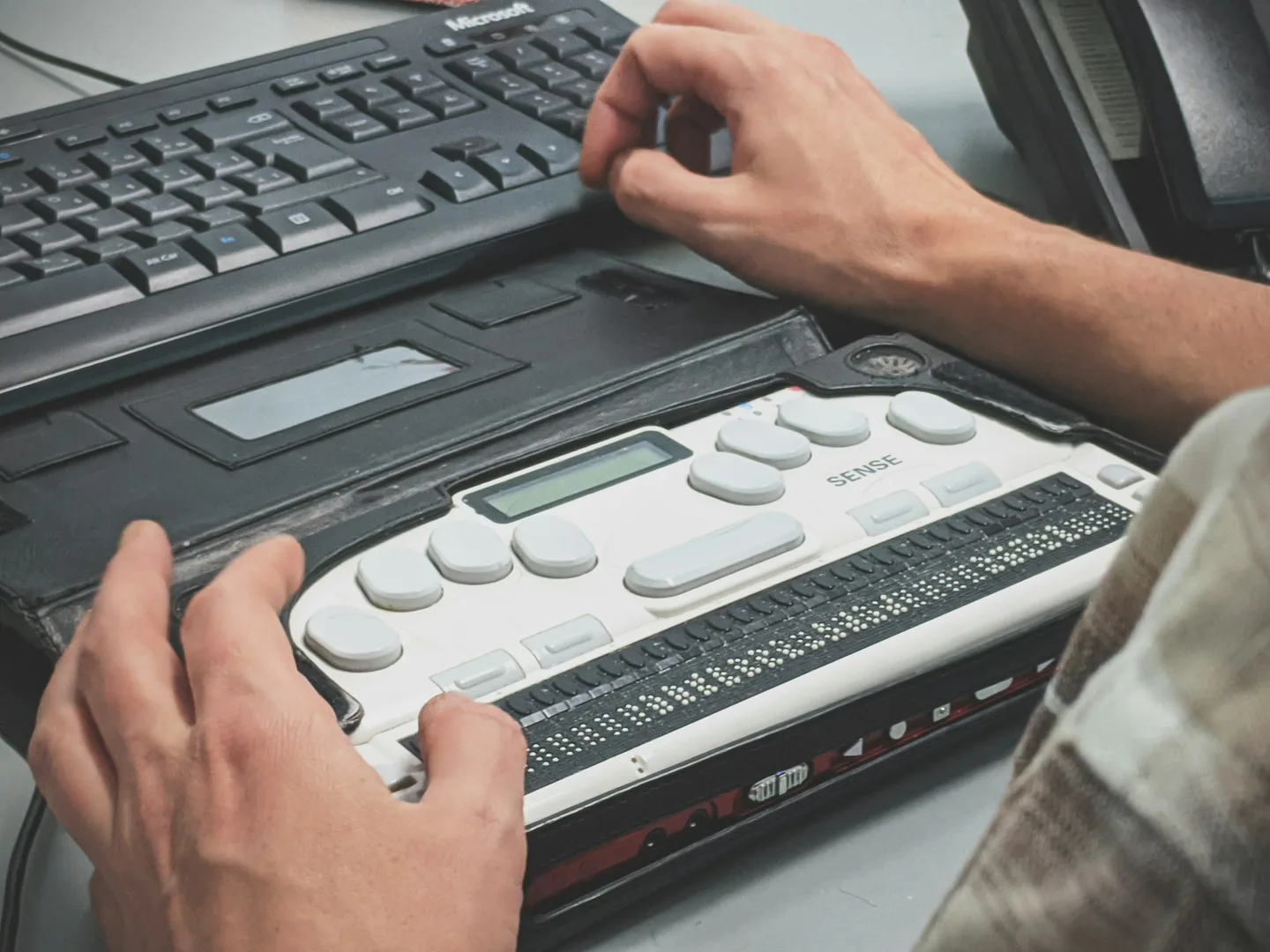
Accessibility is often treated like a final quality check. It makes more sense to settle it before a component is even built.
In web projects, accessibility is still often treated like a final quality check:
The site is done, the design is set, the components work – and then someone checks whether the contrast is right, alt texts are there and everything can be used with a keyboard. Technically, that works somehow. But it does not make much sense.
The W3C Web Accessibility Initiative explicitly recommends building accessibility into projects from the start. That is not only more effective, it also avoids having to rebuild finished structures later.
Accessibility starts with architecture and components
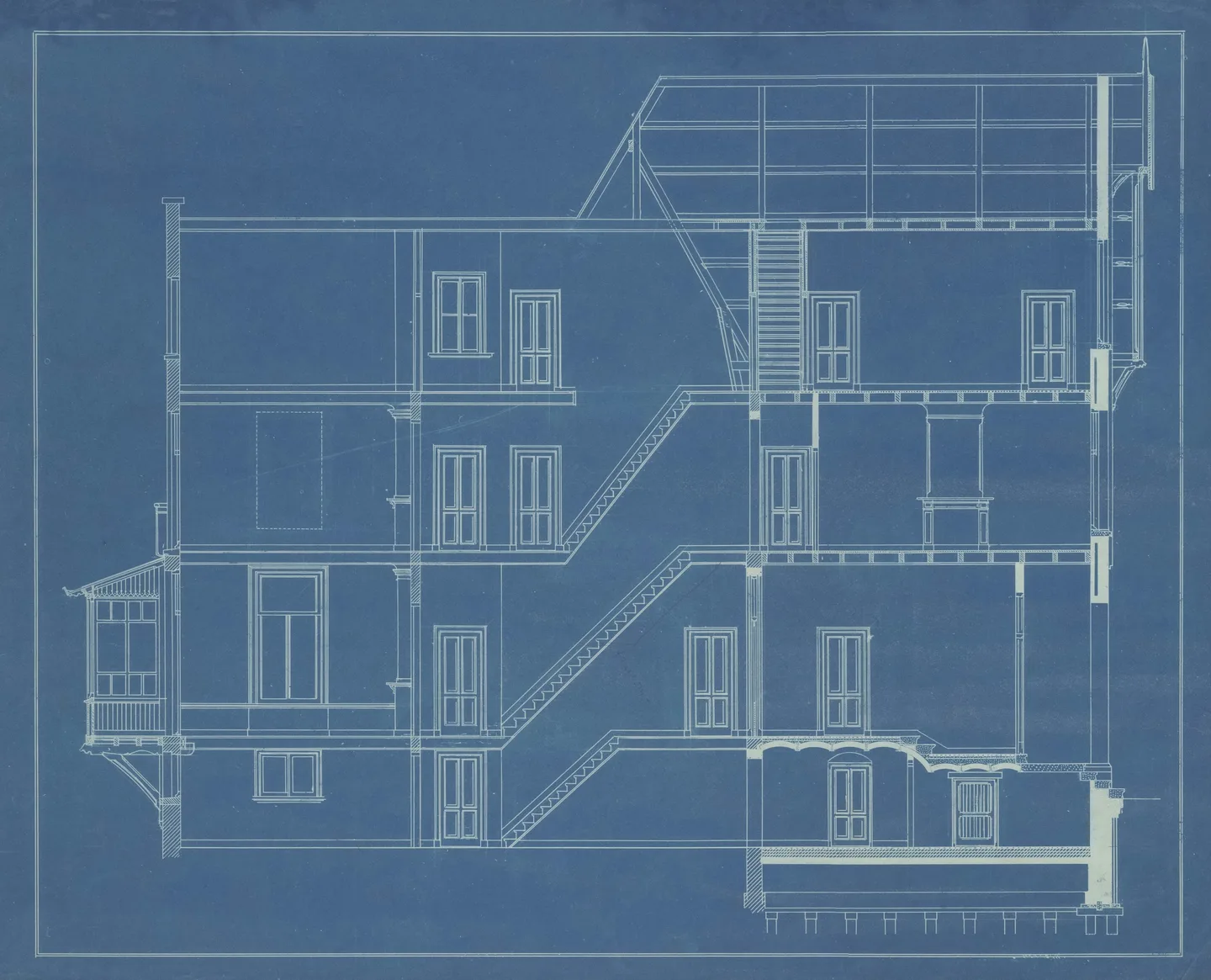
Many problems are not caused by a single missing aria-label. They start much earlier, with questions like:
- Is an element actually a button, or just a clickable
div? - Can a component be fully operated with a keyboard?
- Does the order of the content make sense without the visual layout?
- Can forms communicate error states clearly?
- Does the navigation work without a mouse?
- What is the CMS responsible for, and what the frontend?
These are architecture and component decisions. If a base component is built wrong and used 40 times on a website, you do not have 40 small accessibility problems. You have one structural problem.
Semantic HTML solves a surprising amount
So I first try to think about which HTML element actually fits the task.
A button is a <button>.
A navigation is a <nav>.
Headings form a meaningful hierarchy.
Form fields have labels.
It sounds trivial, but it prevents a lot of problems before extra ARIA attributes or JavaScript are even needed.
So for me, accessibility is often less about the question:
“What do we still need to add?”
and more about:
“Did we build the foundation right?”
Keyboard use is a good reality check
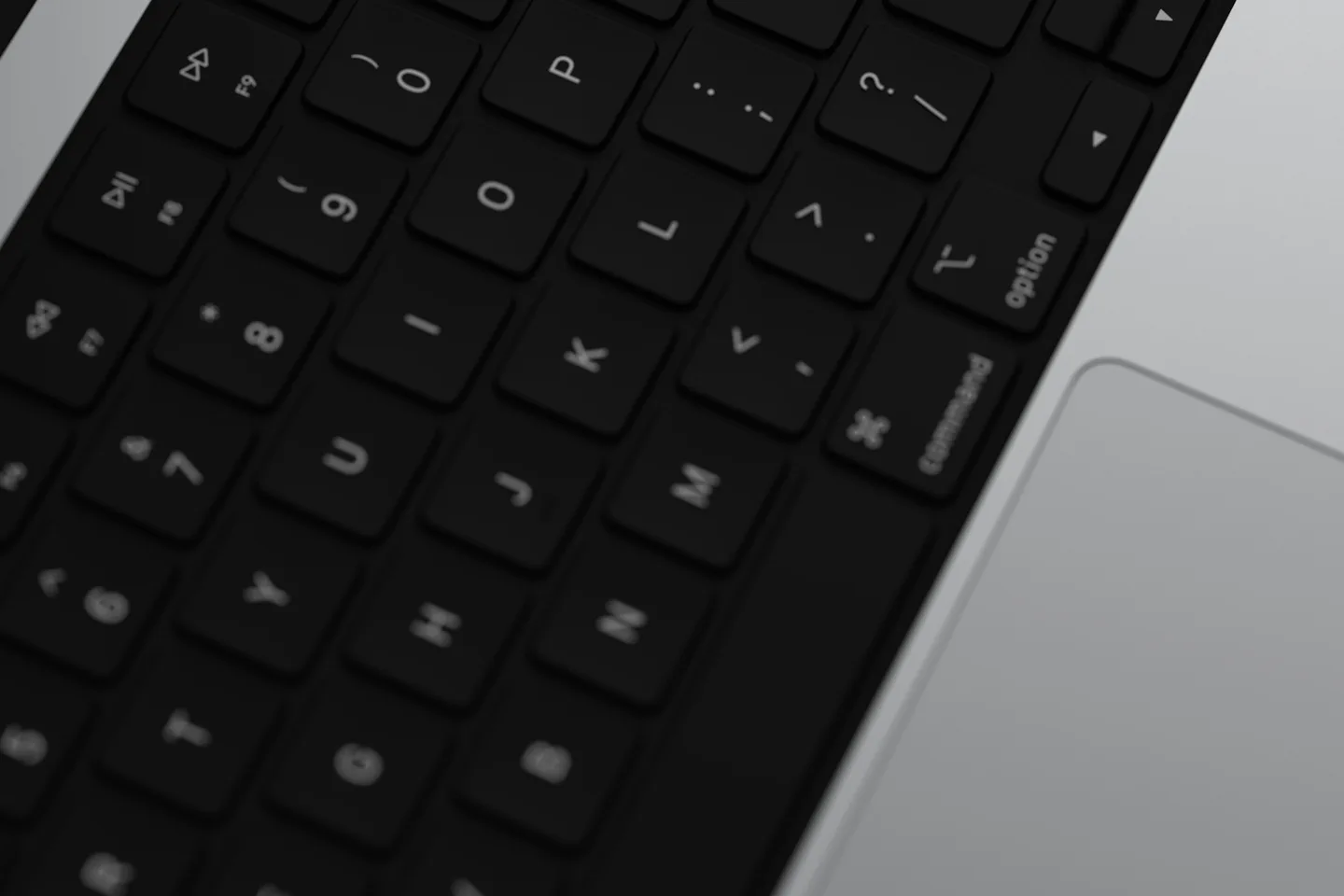
One of my simplest tests: put the mouse away. Can I still use the whole page?
The W3C uses keyboard access as a basic example: an accessible website must not depend on a user being able to use a mouse. Doing this, you spot problems quite quickly:
- focus is not visible
- elements cannot be reached
- modals do not keep focus where it belongs
- menus only work on hover
- the focus order makes no sense
And many of these problems do not only affect people with permanent disabilities.
Accessibility also helps users with temporary or situational limitations – a broken arm, bright sunlight, or a place where audio cannot be used.
Automated tests help – but they are not enough
Tools like Lighthouse, axe or automated CI checks are very useful. I would always use them. But they can only catch some of the problems.
The W3C also points out explicitly that no automated tool alone can determine whether a website really meets all accessibility requirements. That still takes an expert human review.
A tool can tell, for example, that an image has an alt attribute. It is much worse at judging whether the text in it actually makes sense in that specific context.
That is why I see accessibility testing as a combination of:
Automation + manual testing + technical understanding.
For me, accessibility is part of software quality
So it makes little sense to me to treat accessibility as a separate specialist topic that shows up at some point at the end of a project. It is directly connected to the things that make good software anyway:
- clean components
- clear structures
- robust interactions
- clear states
- good usability
- maintainability
- tests
The W3C defines web accessibility as the basis for people being able to perceive, understand, navigate and interact with websites and web applications.
In development, that means to me: accessibility should not be the question we ask just before the release. It should be one of the questions we ask before we even build a component.

Mihnea Cojocaru
Full-stack developer | sound engineer in Bonn with high standards for clean engineering and good usability.